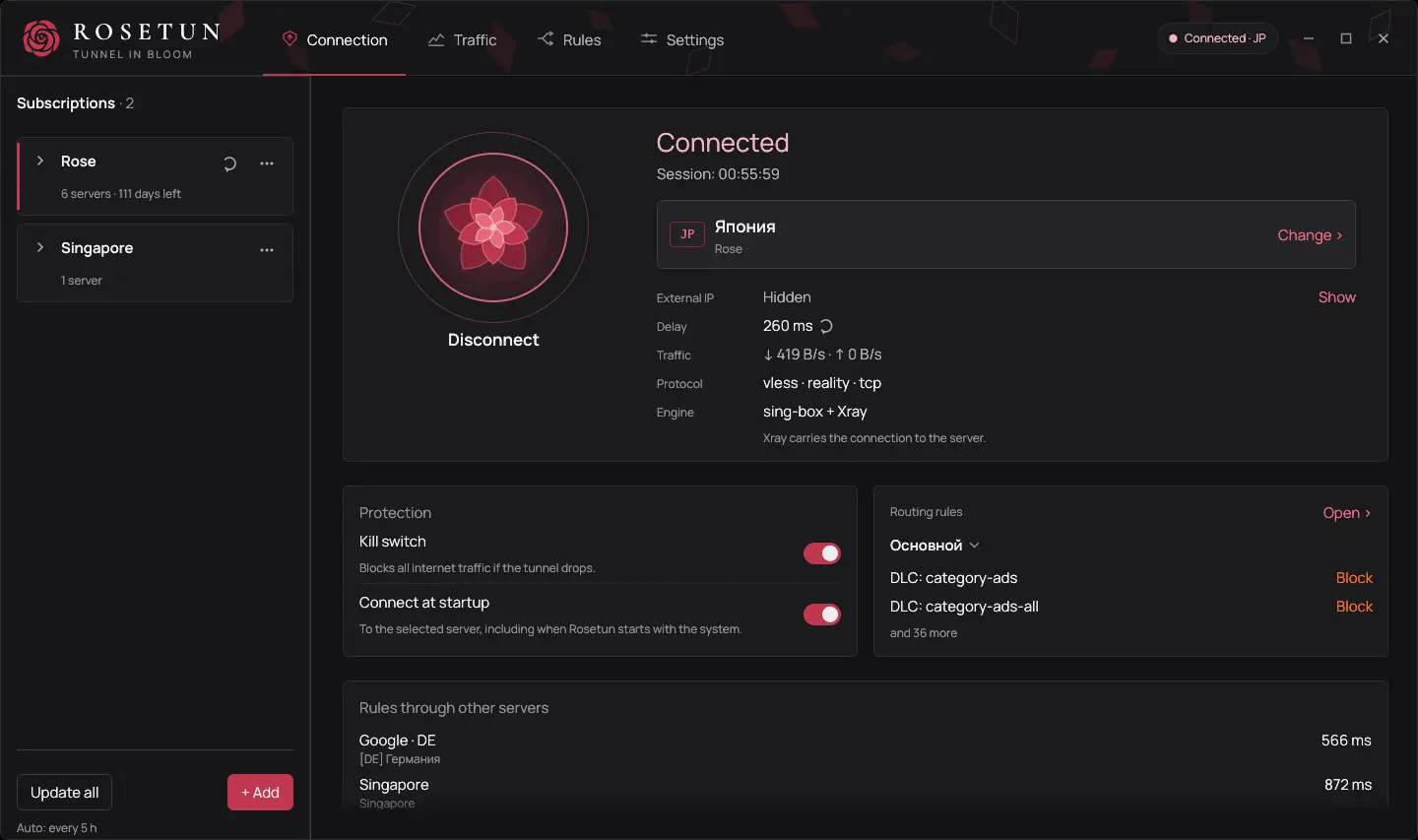
The kill switch blocks traffic when the tunnel drops and keeps the network closed through an update. Without it, a DNS lock keeps system DNS inside the tunnel. The window and rosetun status show what is in place and what is missing. Experimental Lockdown keeps traffic blocked without a connection and after a restart.
02
Your rules
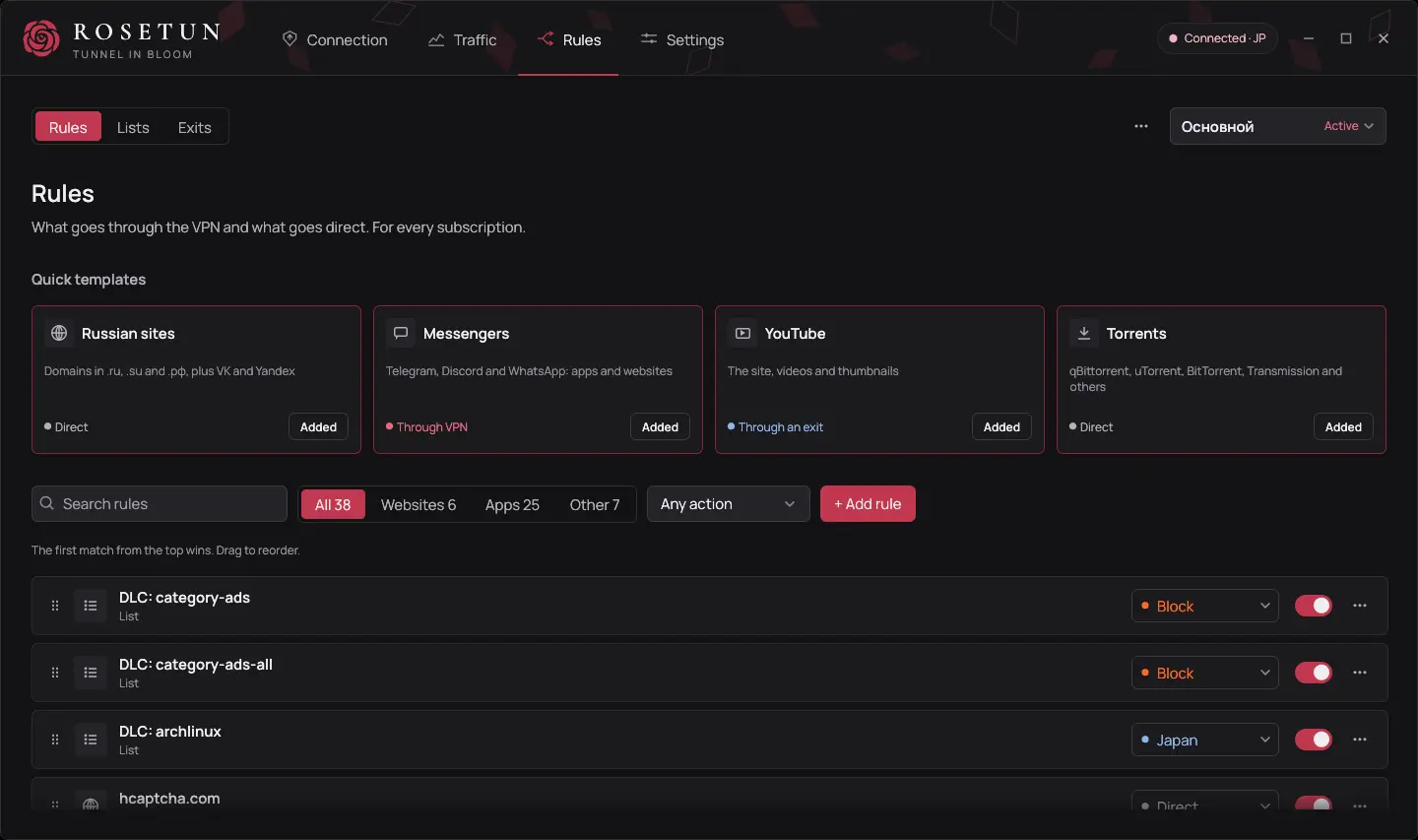
Send apps, websites and IP addresses through the VPN, connect directly or block them. Use GeoIP, GeoSite and your own lists. Undo a change with Ctrl+Z. Temporary rules last until you disconnect. Rules by app work on Windows and Linux. See the Linux limitations.
03
More than one exit
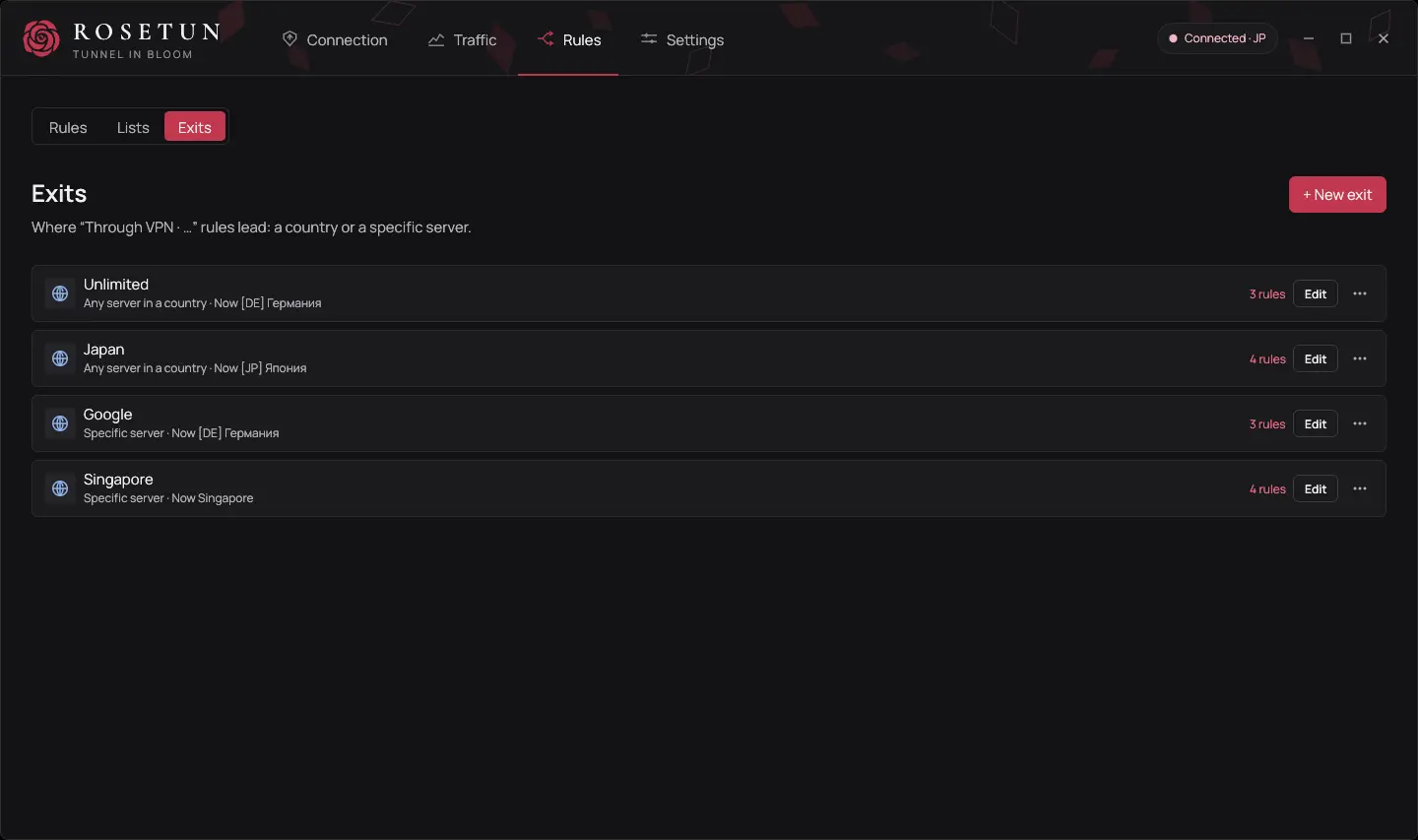
Choose another country or server for an individual rule. If its exit server disappears, that traffic is blocked and never falls back to a direct connection.
04
Subscriptions at hand
Add a subscription with a link, a QR code or a rosetun:// button on your provider’s site, or your own HTTP, HTTPS or SOCKS5 proxy. You can turn off device ID sharing for each subscription.
05
Connection choices
VLESS, VMess, Trojan, Shadowsocks and Hysteria2. sing-box and Xray engines, REALITY and XHTTP, TLS fragmentation. See the provider page for transports and limitations.
06
Privacy without promises
No telemetry. The app contacts your provider, servers, DNS, lists, GitHub and network check services. Connections stay in memory until you disconnect and are not written to disk.
07
TUN or system proxy
TUN takes all of this computer's traffic. System proxy covers the programs that use it, for when TUN gets in the way, with a strict kill switch and access from your network if you want them.
08
Your local network
Reach a printer, a NAS or game streaming past the tunnel. On Windows only your own network opens, unless you also open private networks behind the router. On Linux every private range opens.
Rosetun protects against accidental leaks, not malware running under your account. Without Lockdown, a service crash removes the block on Windows; on Linux the kill switch stays. Lockdown is experimental: third-party firewalls, antivirus software, hibernation and sleep on real hardware are untested. Network requests and protection model
A look at the interface
Explore the key features of Rosetun in one interface.
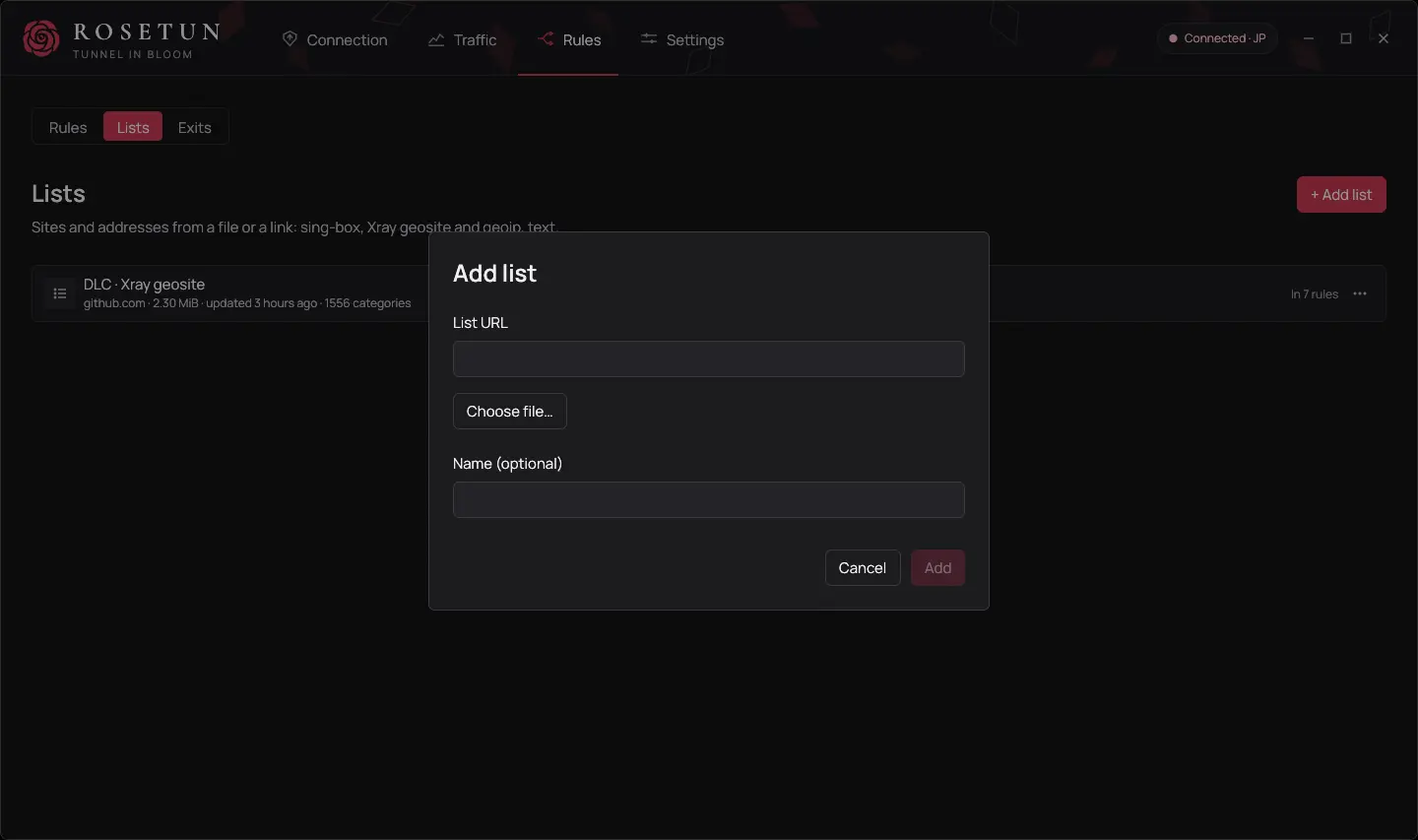
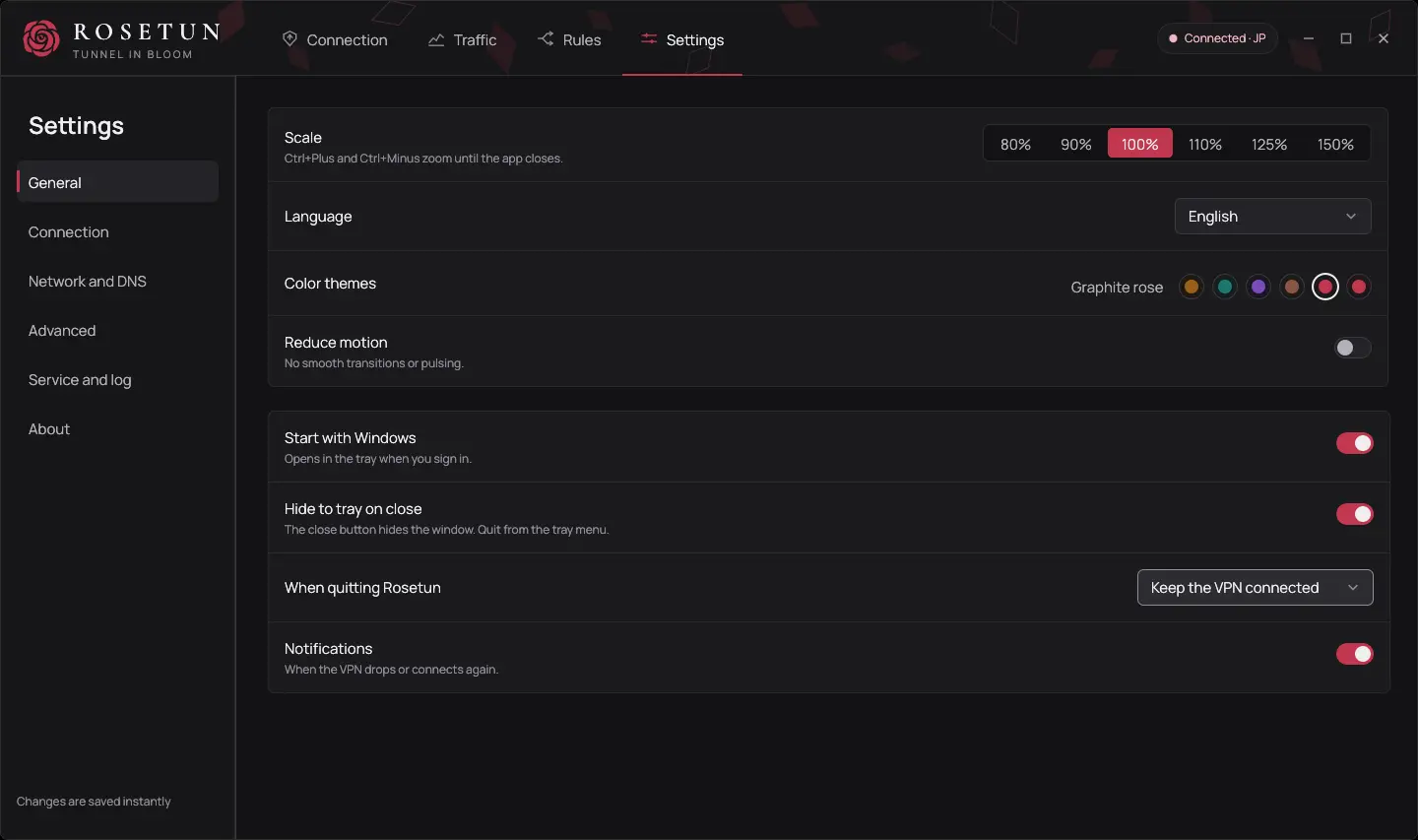
Connection and ProtectionTraffic and ConnectionsRouting RulesLists: SRS, Xray geosite and geoipExit NodesSettings
Version 0.6.0
DOWNLOAD
Verify the installer
The installer has no Windows code-signing certificate yet. Compare its SHA-256 with the line below and SHA256SUMS.txt from the release.
For public tagged releases, the workflow creates an installer provenance attestation. Verify it with GitHub CLI. This verifies build provenance; it is not a Windows code signature.
 Rosetun